CLUBRUNNER TIPS
Clubrunner is the website platform we use for our Marshalltown Rotary Club website and member information. Follow this link to visit the website: https://portal.clubrunner.ca/1657, then click “Member Area” at the top of the page.
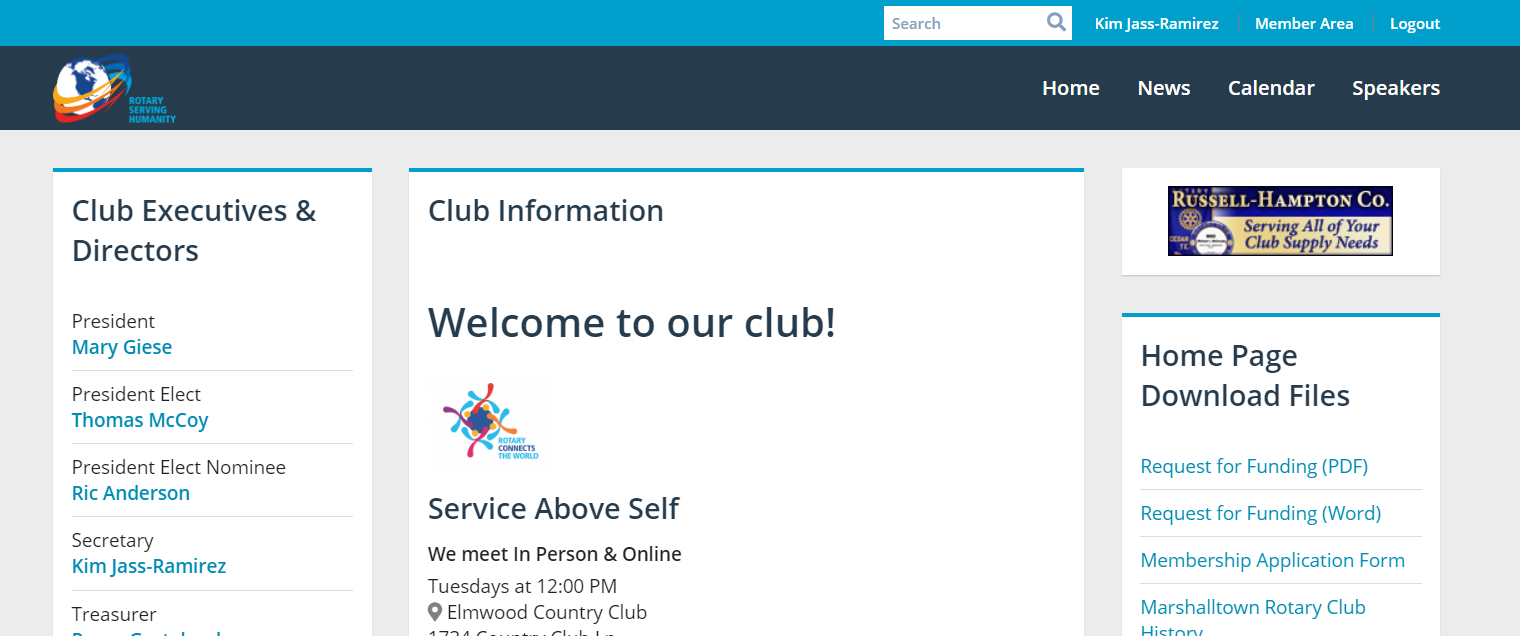
USERNAME: Your username will be FIRSTNAME.LASTNAME.1657
PASSWORD: You choose your own password. If you’ve forgotten your password, follow the instructions below.
On-line written login help: https://www.clubrunnersupport.com/article/996-how-do-i-log-in-to-clubrunner
On-line 4-minute video login help: https://www.clubrunnersupport.com/article/1293-video-how-do-i-login-to-clubrunner-v3-0
How do I load / update my picture in my member record -https://www.clubrunnersupport.com/article/999-how-do-i-change-my-profile-photo
How do I update my member record – https://www.clubrunnersupport.com/article/998-how-do-i-access-and-change-my-profile-information
How to find a member
How do I view my account balance
My Rotary
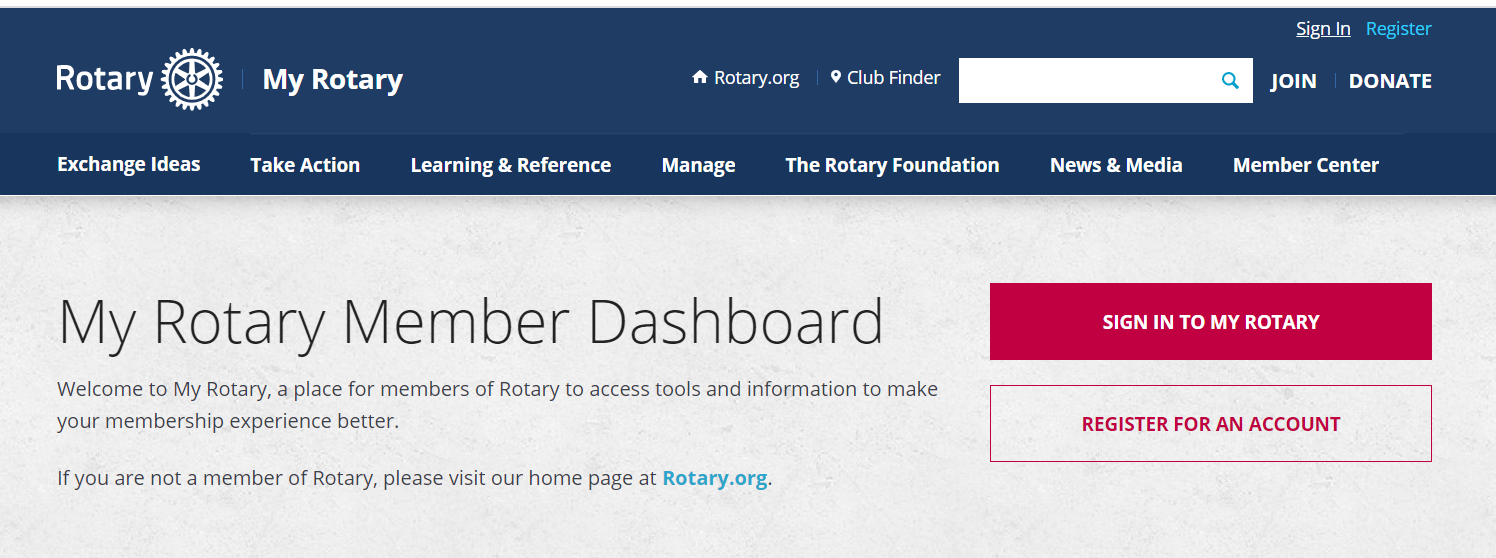
My Rotary a place for members of Rotary to access tools and information to make your membership experience better. It is directly linked to Rotary International. Check your contributions to the Rotary International Foundation, including Paul Harris and Polio Plus.
Access My Rotary at www.my.rotary.org. You will create your own username & password.