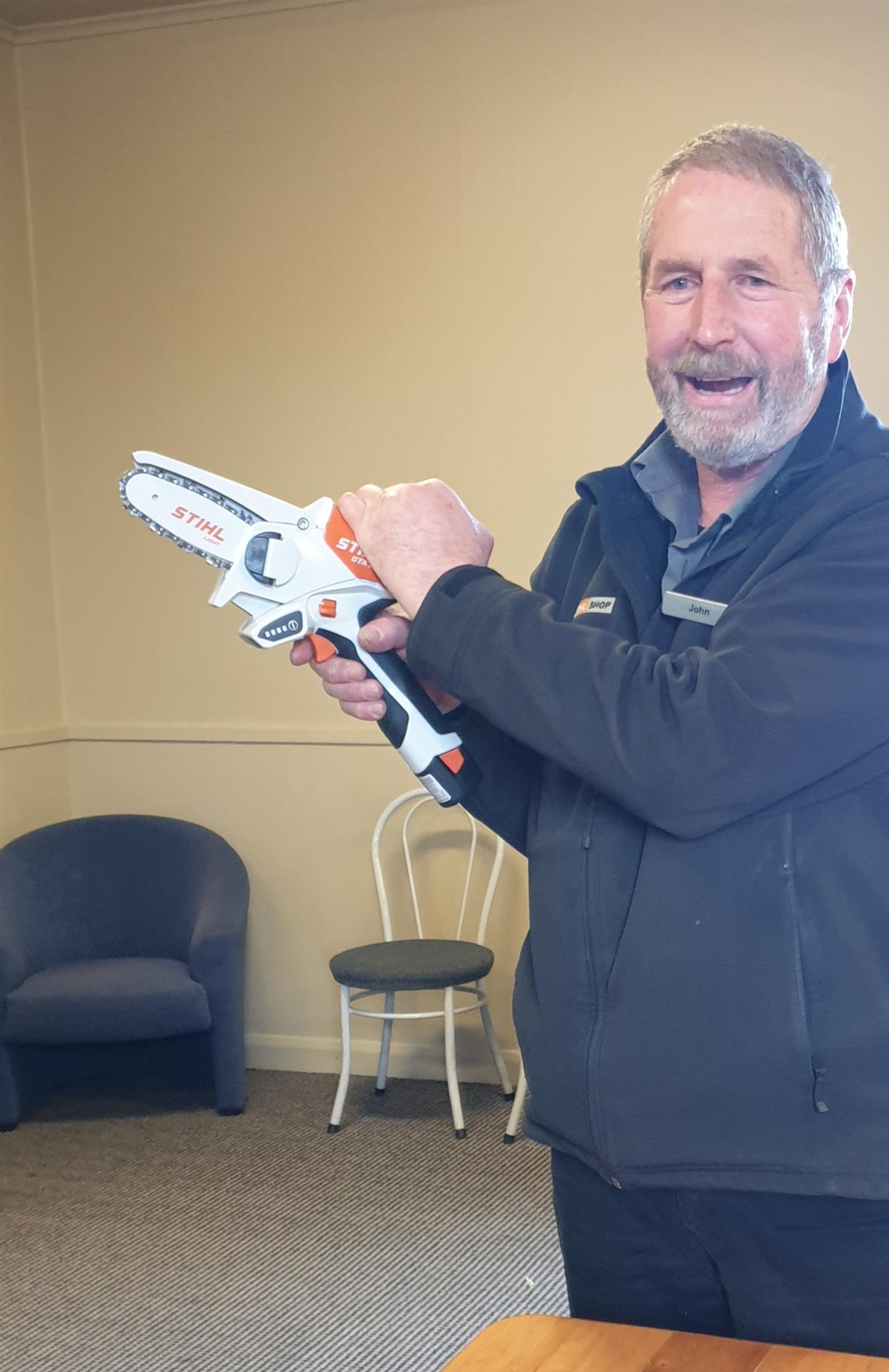
 To add a photo, copy it from your document then paste it into the Story Brief.
It may take some time to load. Once it has, right click and paste. It is then you edit the size of the photo. Do this by right clicking on the image, making sure the ‘padlock’ is closed, then edit the width or height. I usually set a width to 300 or 400. I also set the HSpace and VSpace each to 5 - this allows a gap before any text. Setting Align to Left allows the photo to sit to the left of the text.