Branding Guidelines
Do's and Don'ts
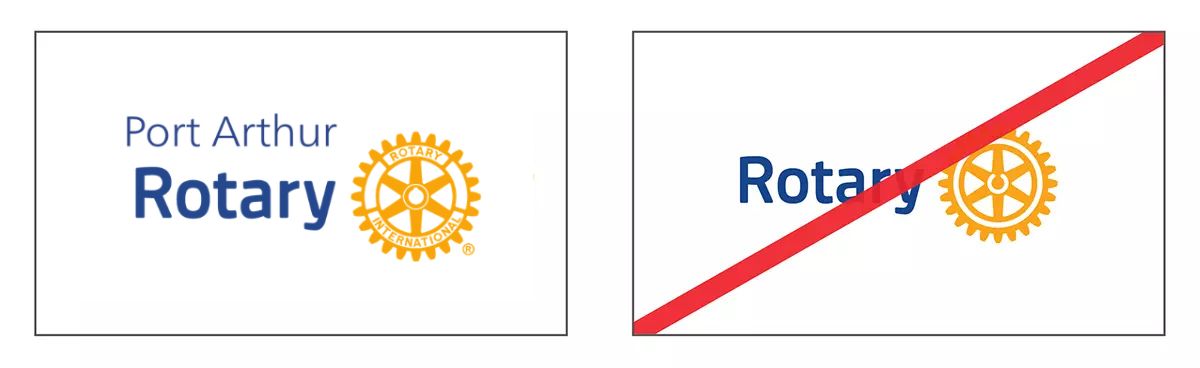
Correct: Use the Port Arthur Rotary Club Logo instead of the Rotary Logo alone.
Incorrect: Don't use the Rotary Logo without Port Arthur Rotary's Name.
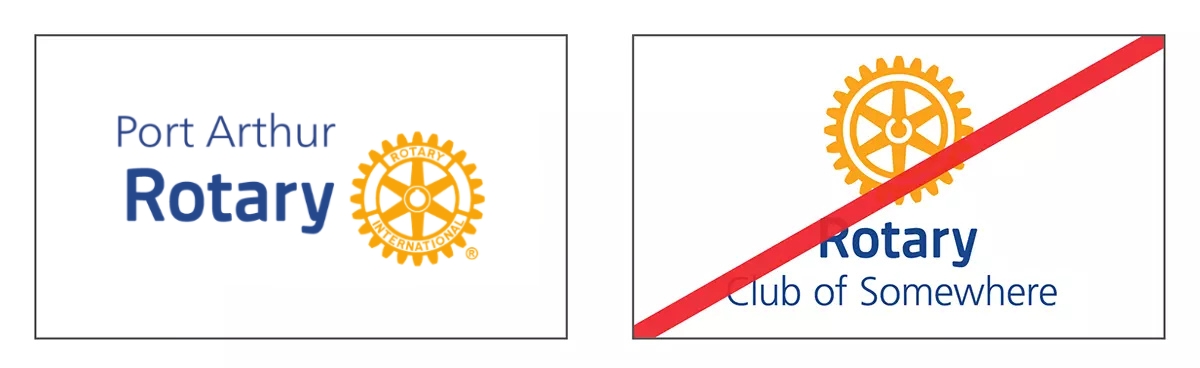
Correct: Use the official Port Arthur Rotary Club Logo (formatted in accordance to the official brand guidelines).
Incorrect: Don't move around or manipulate the components of the logo.
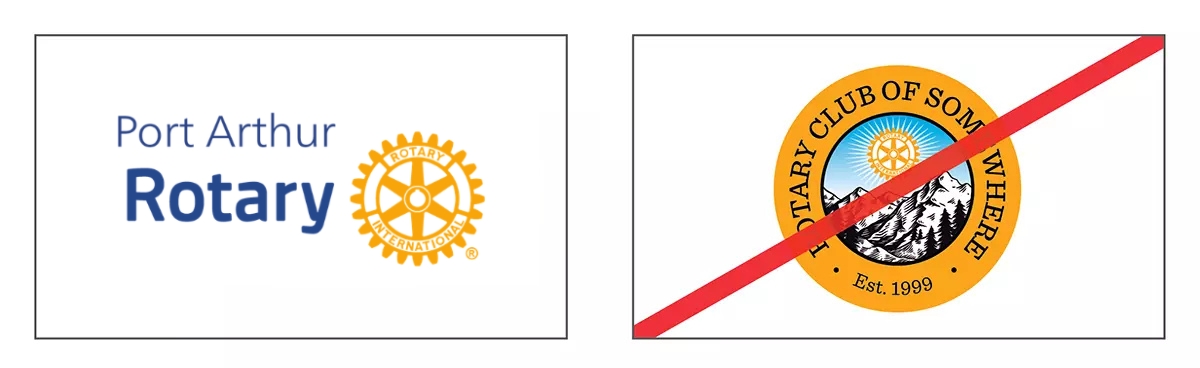
Correct: Use the official Port Arthur Rotary Club Logo, which includes the Rotary Masterbrand Signature, as the main identifier in all promotional materials.
Incorrect: Don't alter the Logo to make it represent another object, don't change the colour and font of the Club name, and don't add any other images to the correct Club Logo.
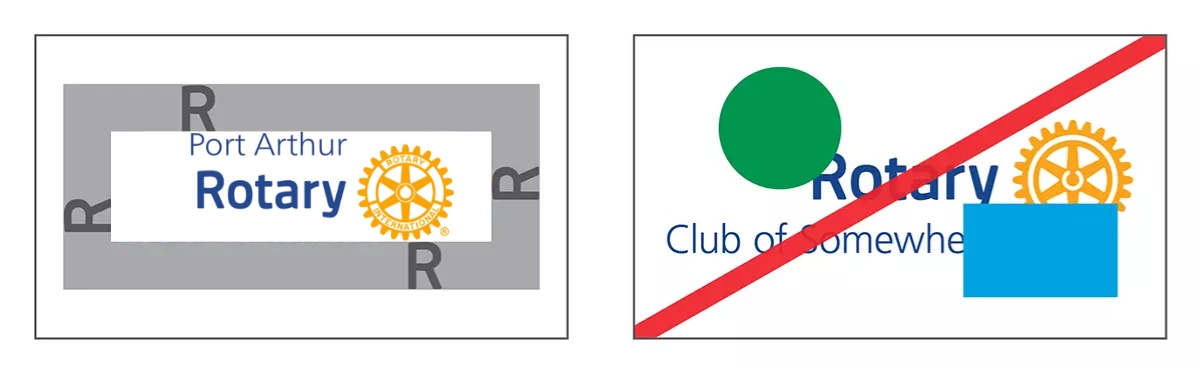
Correct: Ensure that the logo is shown in its entirety, with enough space around it (the height of the capital "R" in the Rotary wordmark).
Incorrect: Don't use only part of the logo, obscure any part of it, or use elements of it in another logo.
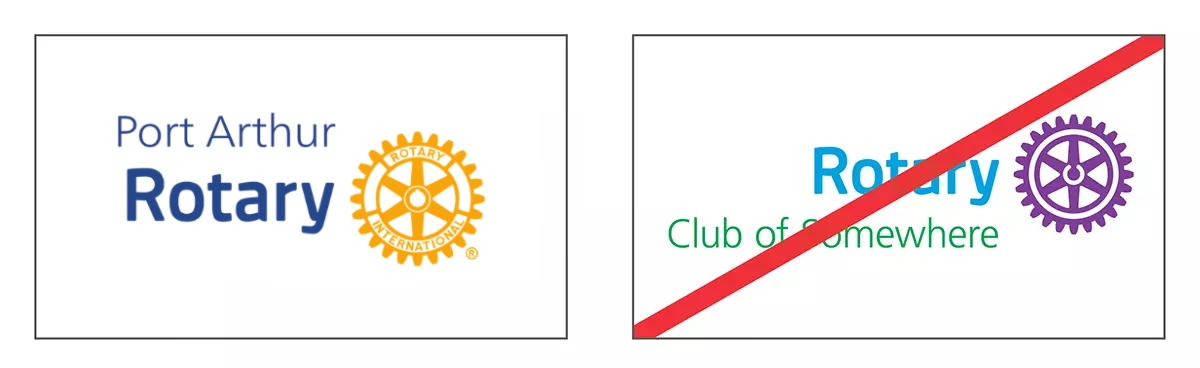
Correct: Use only the brand colours specified for the Mark of Excellence, the Masterbrand Signature, and Port Arthur Rotary Club's name.
Incorrect: Don't use colours in your logo that aren't part of its designated template. There are other Rotary brand colours that are meant for different types of logos or promotional materials.
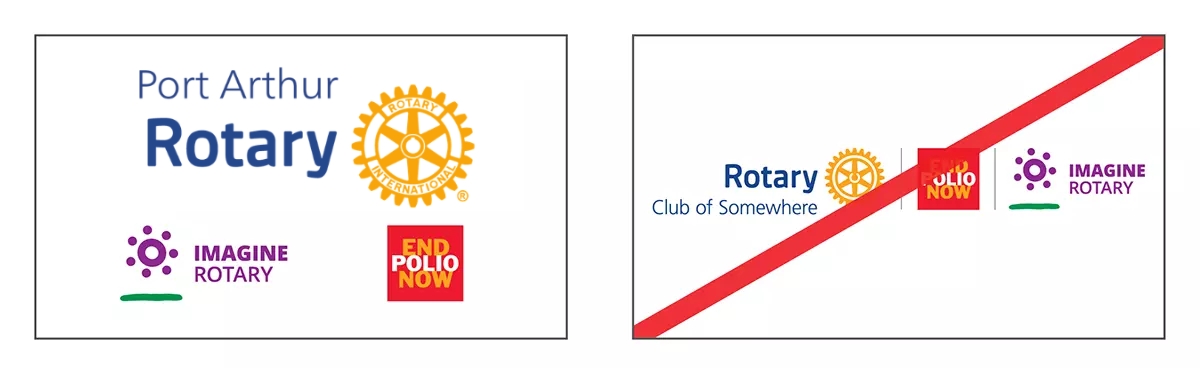
Correct: Use the logo lockup templates to reflect the Club’s relationship with one partner, sponsor, event, or program. If there are several partners or co-sponsors, list them elsewhere in your materials, away from the logo lockup.
Incorrect: Don’t add more vertical lines in the lockup template to include more partners, programs, events, or sponsors.
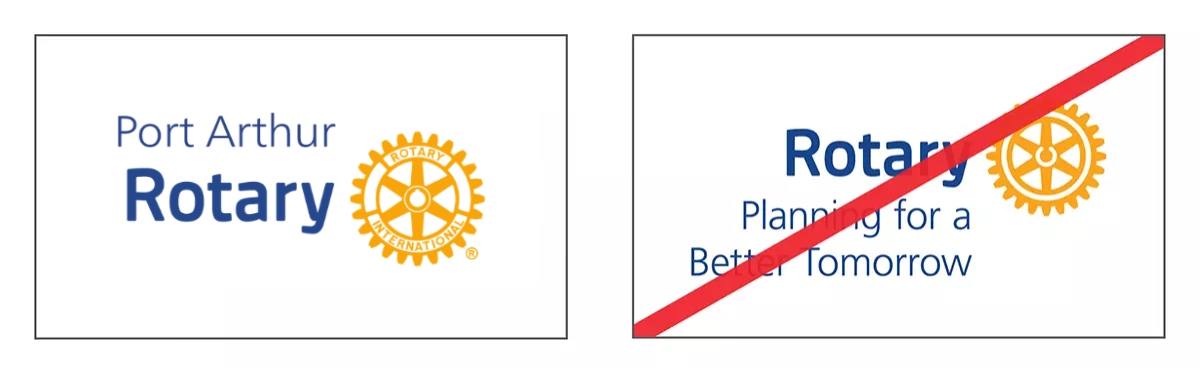
Correct: Add only the name of Port Arthur Rotary Club to the Masterbrand Signature.
Incorrect: Don’t add extra descriptive text, club mottos, event themes, or other wording to the Club Logo. If you want to include this information in your design, add it away from the Club Logo.
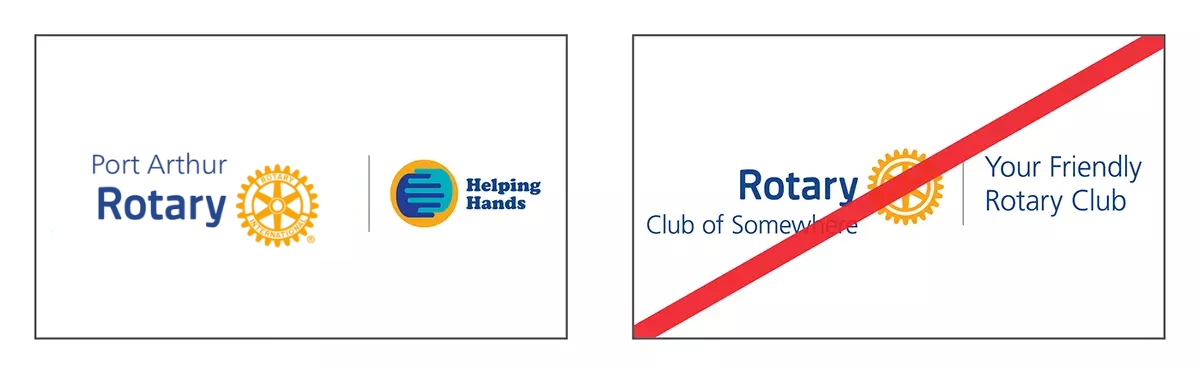
Correct: Use the lockup template to add the names or logos of partners, sponsors, events, or programs.
Incorrect: Don’t add descriptive text or other logos that aren’t related to the partner, sponsor, event, or program. If you want to include this information in your design, add it away from the Port Arthur Rotary Club Logo.
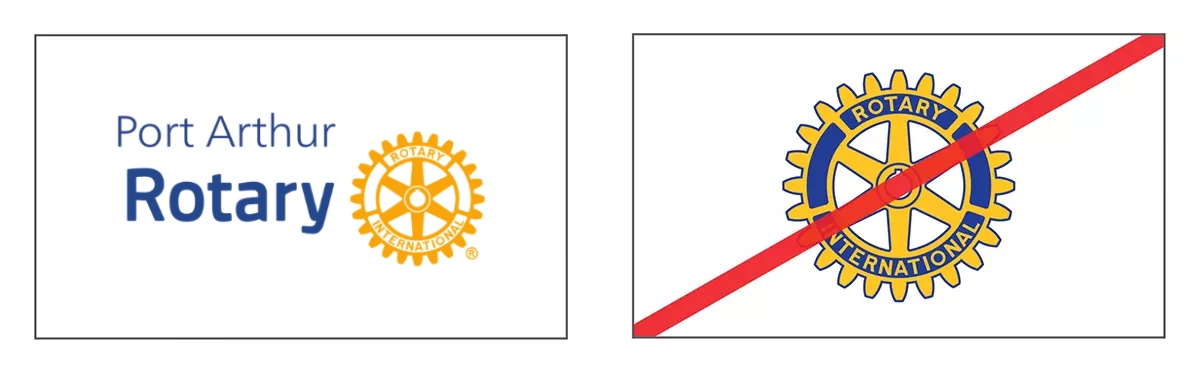
Correct: Use Rotary’s current branding and logos.
Incorrect: Don’t use previous versions of the Rotary logo. The only exception is when it appears in historic photos that illustrate stories referencing specific events before July 2013.
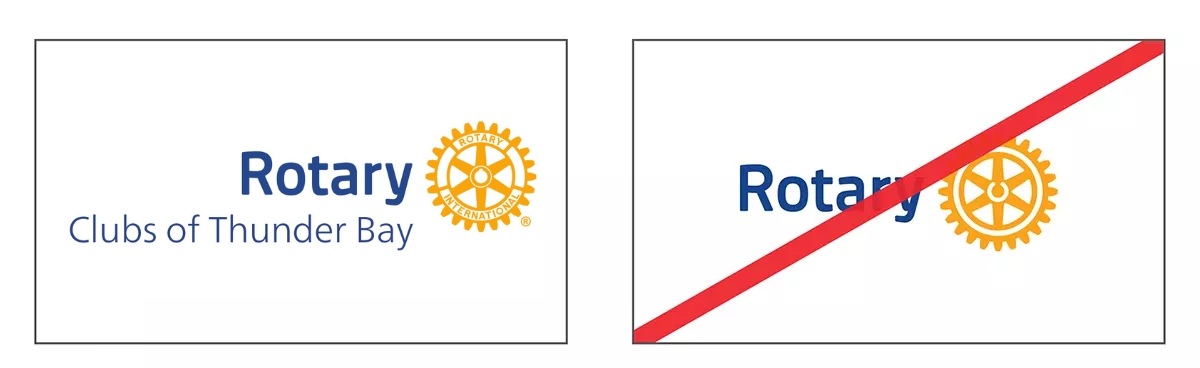
Correct: Use more than one name in a logo to represent a collaboration of many clubs, districts, or zones for an event or project. You can use a geographic identifier if all clubs or districts from an area are involved.
Incorrect: Don’t use the Rotary Masterbrand Signature on its own, which implies that the project or event is being organized or led by Rotary International.